December 15
Bill of Rights Day
The Bill of Rights did not grant Americans their freedoms but recognized them — acknowledging that rights of conscience, speech, and self-defense are endowments of the Creator that government exists to protect, not bestow.
Start Here
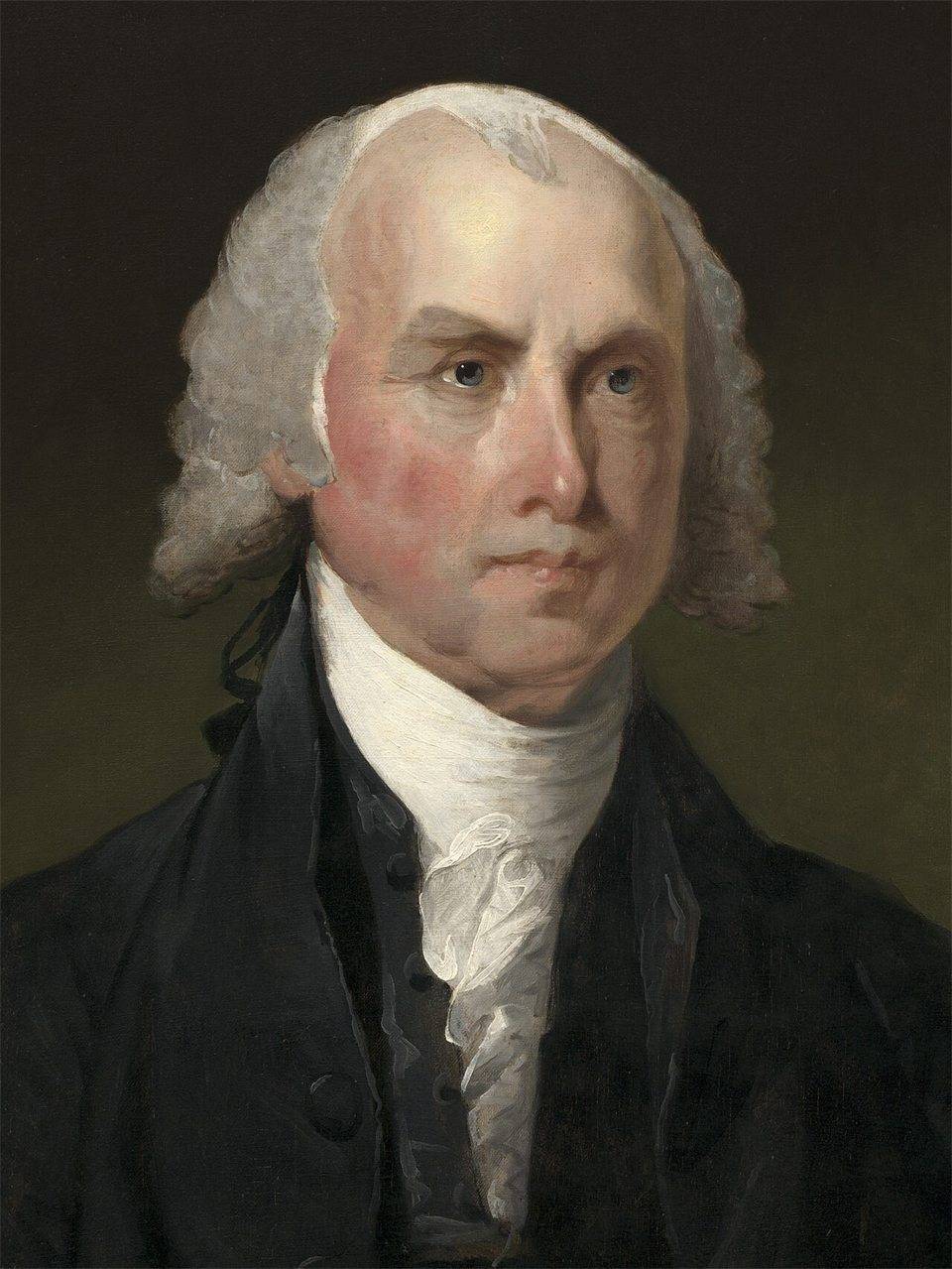
Begin with Dr. Lyons’ chapter: our rights are granted by God, not by civil government.
Primary Sources
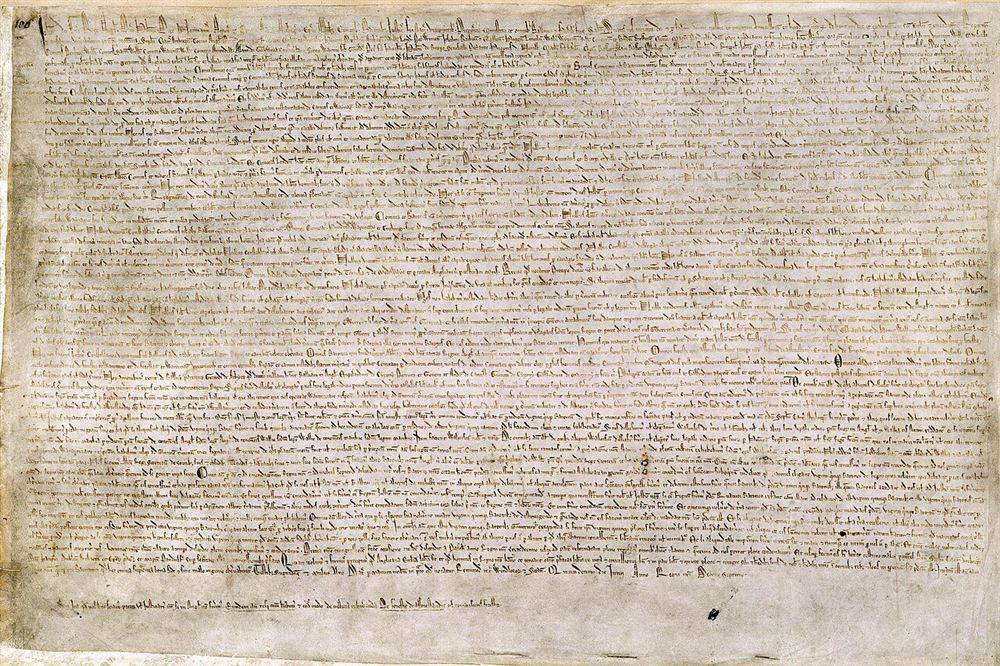
Read the Bill of Rights itself, and the charters of liberty it grew from.
- The Bill of Rights: the first ten amendments to the Constitution — Full text, from the National Archives {img:https://thebiblicalthinker.com/wp-content/uploads/2026/10/billofrights-document.jpg}
- Sources of Our Liberties — Richard L. Perry, editor — the documents behind the Constitution and Bill of Rights, from Magna Carta on {isbn:9780910058902} {img:https://thebiblicalthinker.com/wp-content/uploads/2026/10/billofrights-sources-of-our-liberties.jpg}
Teaching Tools & Recommended Reading
Guides and books for teaching the Bill of Rights from biblical principles.
- Resources for Teaching and Learning the Bill of Rights — Compiled by Dr. Max Lyons · everything above, as one PDF {by:max}
- The Citizens Rule Book — Webster Adams, editor — pocket edition with the Jury Handbook {img:https://thebiblicalthinker.com/wp-content/uploads/2026/10/billofrights-citizens-rule-book.jpg}
- The Roots of the American Republic — E. C. Wines — Plymouth Rock Foundation {img:https://thebiblicalthinker.com/wp-content/uploads/2026/10/billofrights-roots-wines.jpg}
- Our Ageless Constitution — W. David Stedman and La Vaughn G. Lewis, editors {isbn:9780937047019} {img:https://thebiblicalthinker.com/wp-content/uploads/2026/10/billofrights-ageless-constitution.jpg}
- God, Man, and Law: The Biblical Principles — Herbert W. Titus {isbn:9780916888176} {img:https://thebiblicalthinker.com/wp-content/uploads/2026/10/billofrights-god-man-law.jpg}
Music & Videos
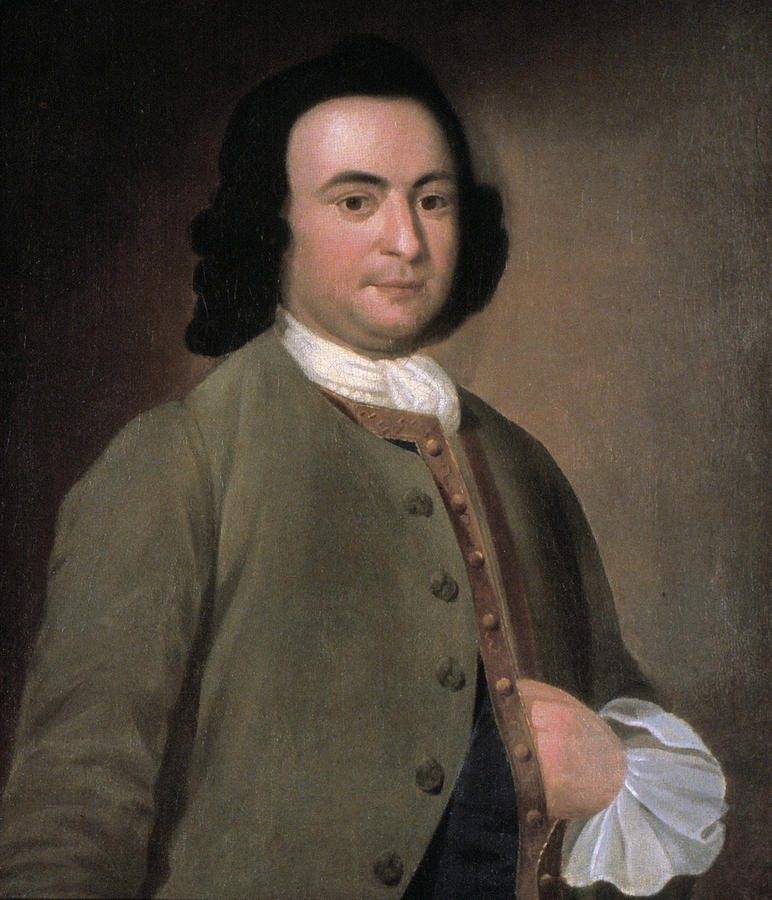
Films and music on the Bill of Rights.
- More coming soon
Skits & Plays
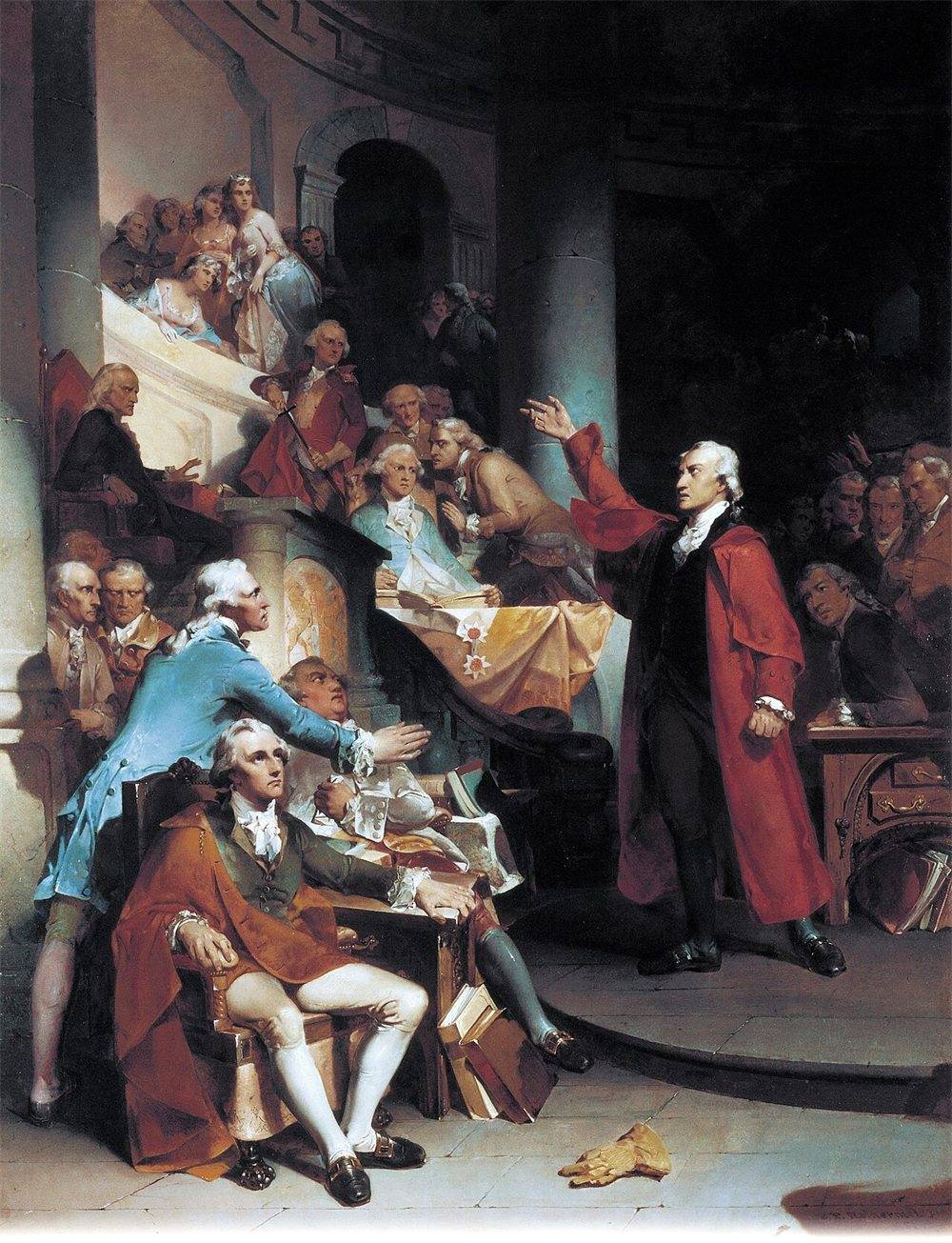
Skits and plays for Bill of Rights Day.
Holiday resource panes — on the live site the categories below are drawn here as a row of panes;
clicking one shows its resources as cards underneath. They are hidden in the editor so the lists stay editable.
To add a resource, open the category's Icon List, click + Add Item, write Title — author or detail in Text, pick an icon (it sets the label: PDF, Book, Video, Drama…) and paste a link if there is one. Add {by:celebrate} to mark a piece from the Celebrate book, or {by:max} for another piece Dr. Lyons wrote (a small badge shows on the card). Add {partner:Partner name} when the item comes from one of our ministry partners (a handshake badge, and the partner is named under the cards). A card's picture is automatic for PDFs and YouTube links; for a book or film, add {img:https://…/cover.jpg} at the end of the Text. Links to booksellers and catalogs (AbeBooks, Amazon, Goodreads…) are ignored on purpose — for such a book, add {isbn:9780000000000} instead; the card shows it, click to copy, and the page points readers to AddALL. A pane's picture is the Image widget inside its category. Every resource needs a path: a link, a PDF, or an ISBN. A book with none of these gets a "Search AddALL by title and author" line automatically; for something you send on request, pick the envelope icon and link our Contact page. Cards sort themselves: our own items first (Celebrate, Dr. Lyons, our products), then ministry partners, then other links, then ISBN-only books; within each group the list order here is kept.